Automated SEO reports
An automated SEO report every week, for your whole portfolio
Search Portfolio writes an automated weekly SEO report from your own Search Console data and emails it on the day you choose: the portfolio and every category against last week, the biggest winners and what needs attention. It is a performance report rather than an SEO ranking report: each query’s position is on its site’s Queries tab.
- Free for up to 3 sites
- Read-only Google access
- No credit card
- Evidence-backed analysis
- Disconnect anytime
The week in one line
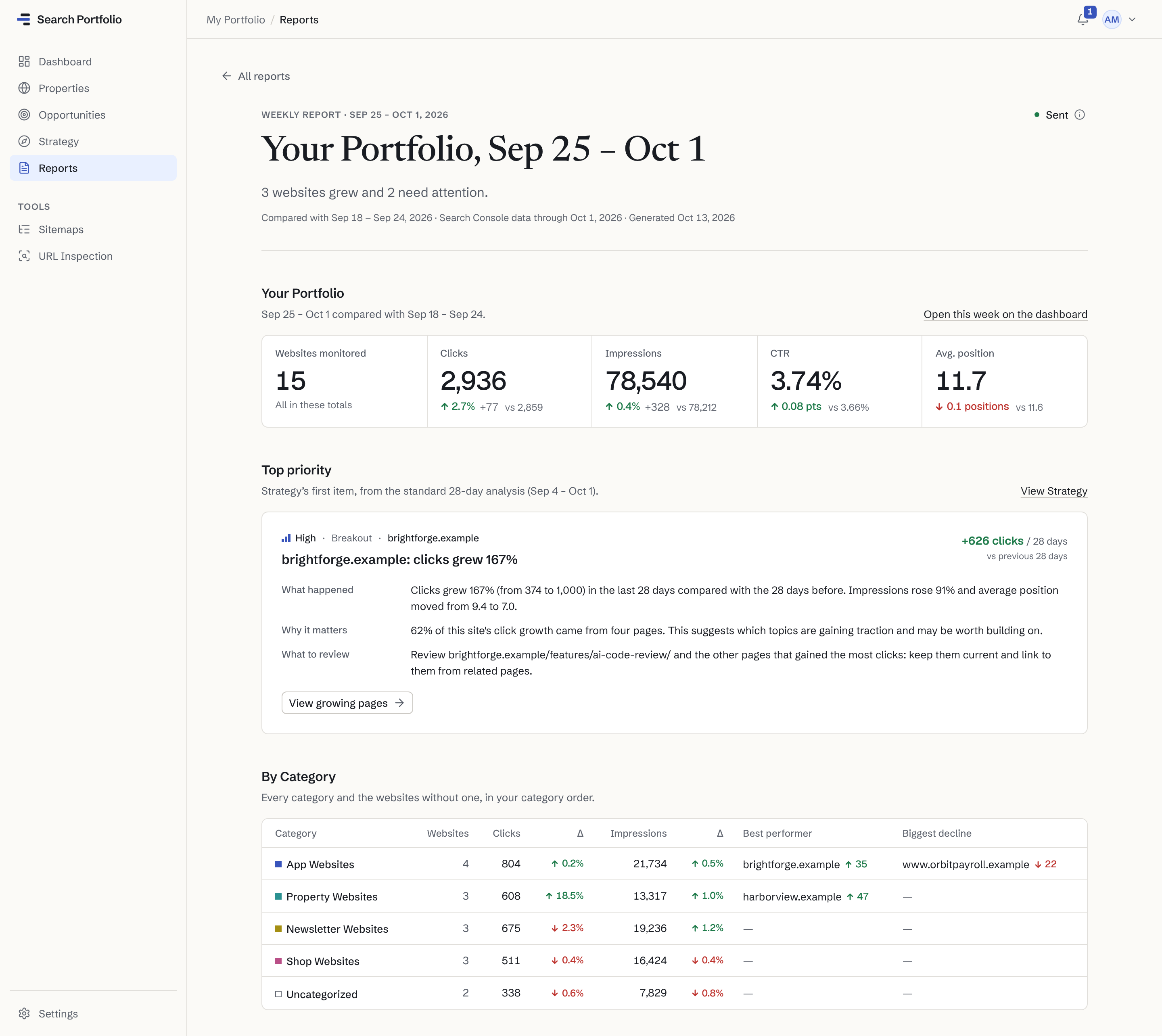
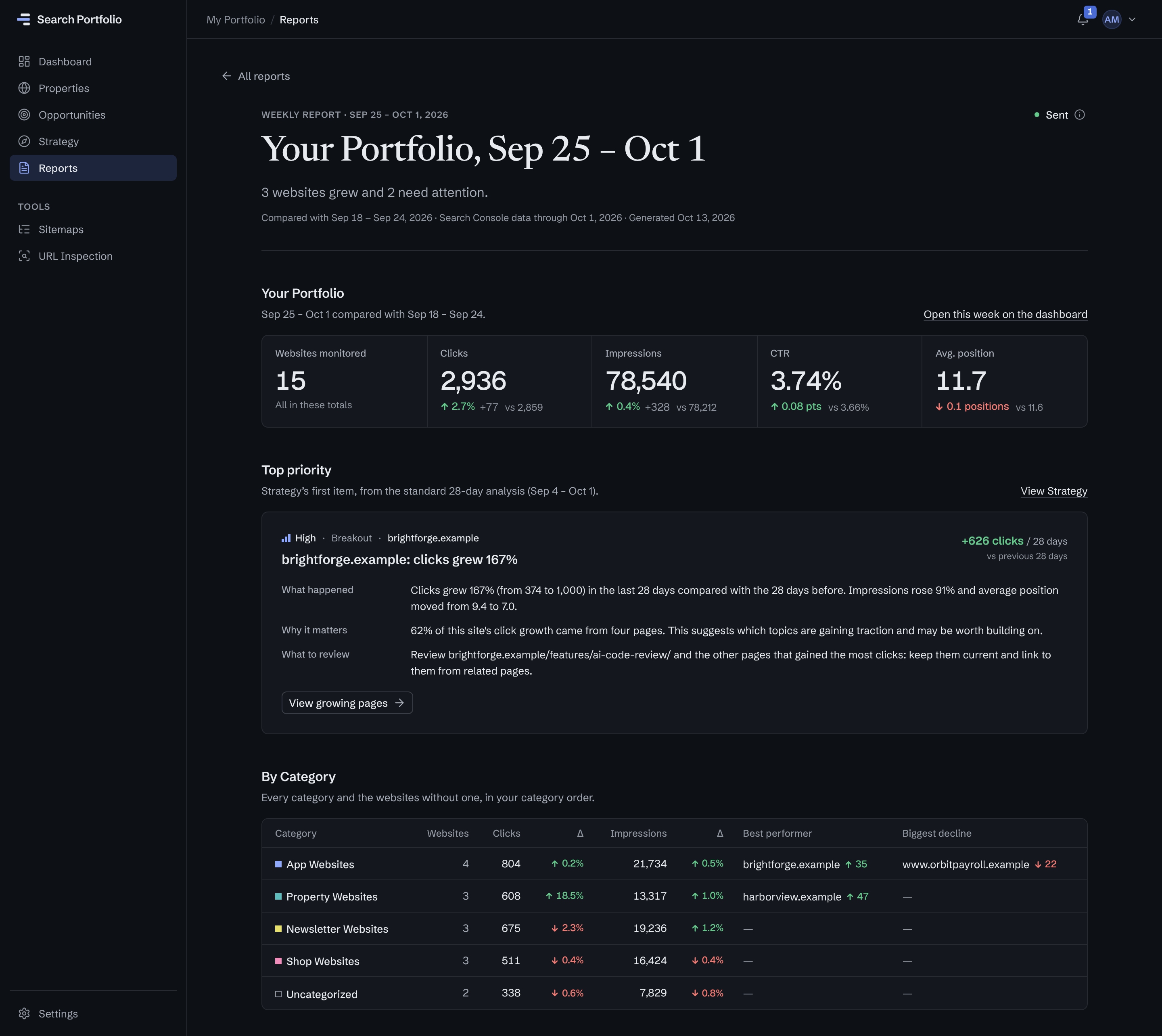
How many websites grew and how many need attention, with the weeks compared and how fresh the data is.
The portfolio against last week
Clicks, impressions, CTR and average position for the last 7 days against the 7 before.
The top priority, in the app
Strategy’s first item, with what happened, why it matters and what to review. The email links to it.
Every category
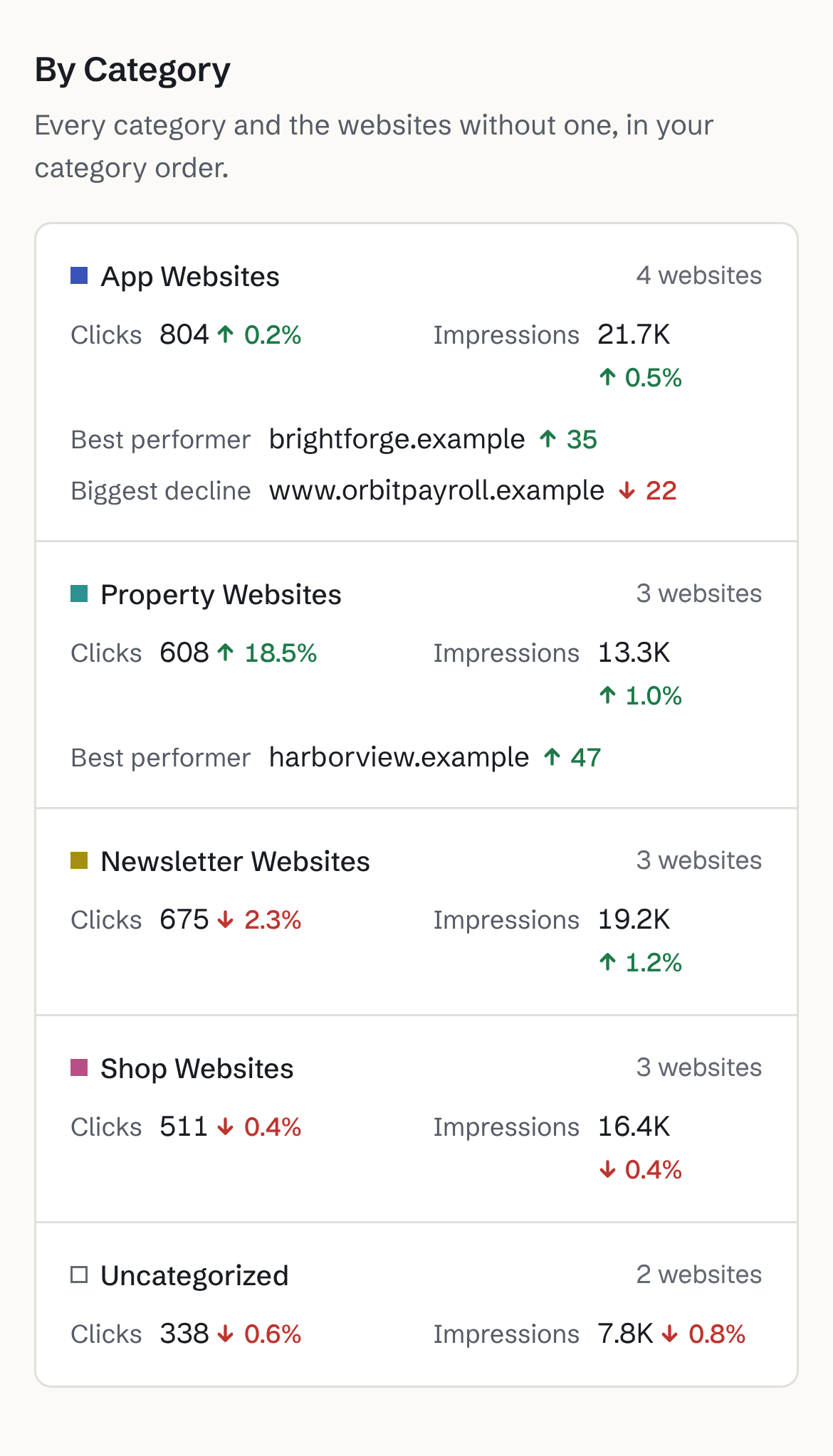
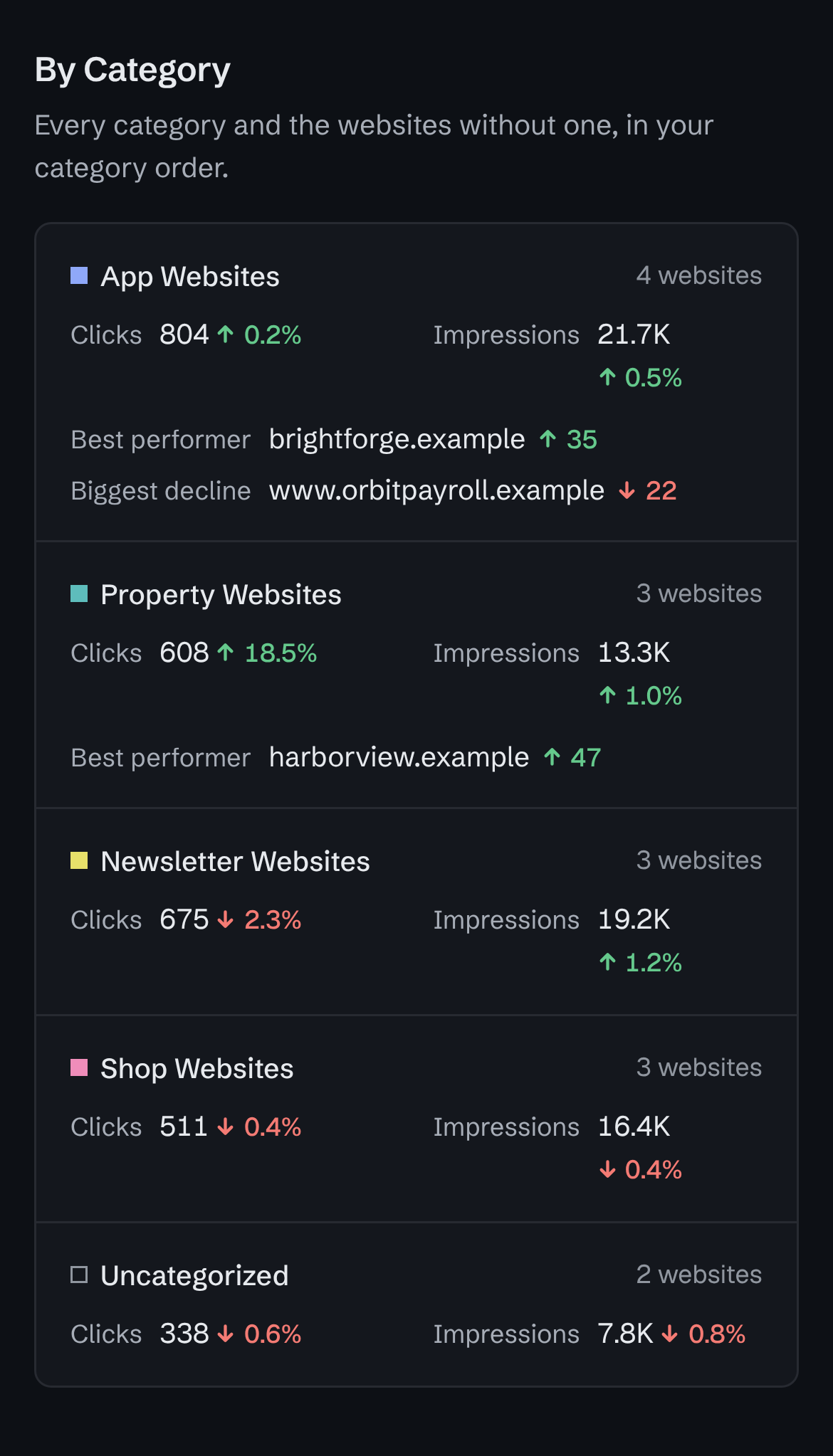
Its clicks and impressions for the week and, when something moved meaningfully, its best performer and biggest decline.
Weekly reports are included from Solo ($9 a month).
What’s in it
A short SEO performance report by email, the full week in the app.
The email is short enough to read in a minute and links to the full report in the app, where the week’s findings come with the evidence behind them.
In the email
- Your Portfolio
- The number of websites monitored, then clicks and impressions against the week before.
- By Category
- Every category, and the websites without one, with its clicks and impressions and, when something moved meaningfully, its best performer and biggest decline.
- Biggest Winners
- The three websites that gained the most.
- Needs Attention
- The three websites most in need of a look, with a careful reading of what changed.
- Best Opportunity
- The one opportunity most worth reviewing this week.
Added in the app
- CTR and position
- The portfolio’s click-through rate and average position against the week before.
- The top priority
- Strategy’s first item: what happened, why it matters and what to review.
- More of the week
- Breakouts, the biggest declines and more opportunities.
- Earlier weeks
- Every report is kept in the app, so you can look back at the weeks before.
The opportunities come from the same rules as rank tracking, and a website counts as a winner or a decline only when its clicks moved by at least 20 and 10% in the week: real volume is required, not just a big percentage, and a change is described as what it “suggests”, never as a proven cause.
Automated
Set it once. It arrives every week.
Choose when the report arrives in Settings → Reports. Nothing to build, schedule or update by hand.
- When it arrives
- Any day of the week, at any hour, in your time zone. Monday at 8:00 until you change it.
- What it covers
- The last 7 days Google has finalized, against the 7 before, typically 2–3 days behind today.
- Who receives it
- You, the workspace owner, by email. Turn the email off and the report is still kept in the app.
- On demand
- Generate the latest report any time, or send yourself a test email.
For you, not your clients
An internal report, not a white-label client report.
If you need an SEO report for clients, keep your SEO reporting tool: Search Portfolio has no client portals, white-label branding or client recipients. Its weekly report tells you, and only you, which client sites to look at first, so you can raise a problem before a client has to ask.
FAQ
Weekly report questions.
Plans and billing are on the pricing page. Something else? Contact support.
Which plans include the weekly report?
Every paid plan, from Solo ($9 a month). Free has the portfolio dashboard, categories and your top 5 opportunities, but no weekly report. See every plan compared.
Can I send it to clients, or white-label it?
No. The report is written for you: it goes only to the workspace owner, carries Search Portfolio’s name, and there are no client portals or white-label reports. Use it to decide which client’s sites to look at first, and keep your reporting tool for clients. Tables can be exported as CSV if you want the numbers elsewhere. More in the homepage FAQ.
Is there a monthly SEO report?
No, the report is weekly. For a longer view, the dashboard and Strategy compare the last 28 days with the 28 before, and each website’s queries and pages can be viewed over any range up to about 16 months.
Where do the numbers come from?
From Google Search Console, through the read-only access you grant: clicks, impressions, click-through rate and average position, for finalized days only, so a week is never compared with a half-counted one. Statuses and opportunities come from fixed rules with published thresholds, not a language model. See how rankings are tracked.
Can I change the day, or turn it off?
Yes, in Settings → Reports: choose the day, the hour and your time zone, turn the email off and keep the report in the app, or turn the weekly report off altogether.
Let the week come to you.
Connect Search Console with read-only access and see up to 3 sites free. From Solo ($9 a month), one short report on the whole portfolio arrives every week.
- Free for up to 3 sites
- Read-only Google access
- No credit card
- Evidence-backed analysis
- Disconnect anytime