For SEO agencies and consultants
See which client site needs attention first
SEO software for agencies, built on Search Console: every client’s Search Console, across all the Google accounts they live in, in one portfolio. Search Portfolio ranks the traffic losses, ranking drops and high-impact opportunities, so you can raise them before a client has to ask.
- Free for up to 3 sites
- Read-only Google access
- No credit card
- Evidence-backed analysis
- Disconnect anytime
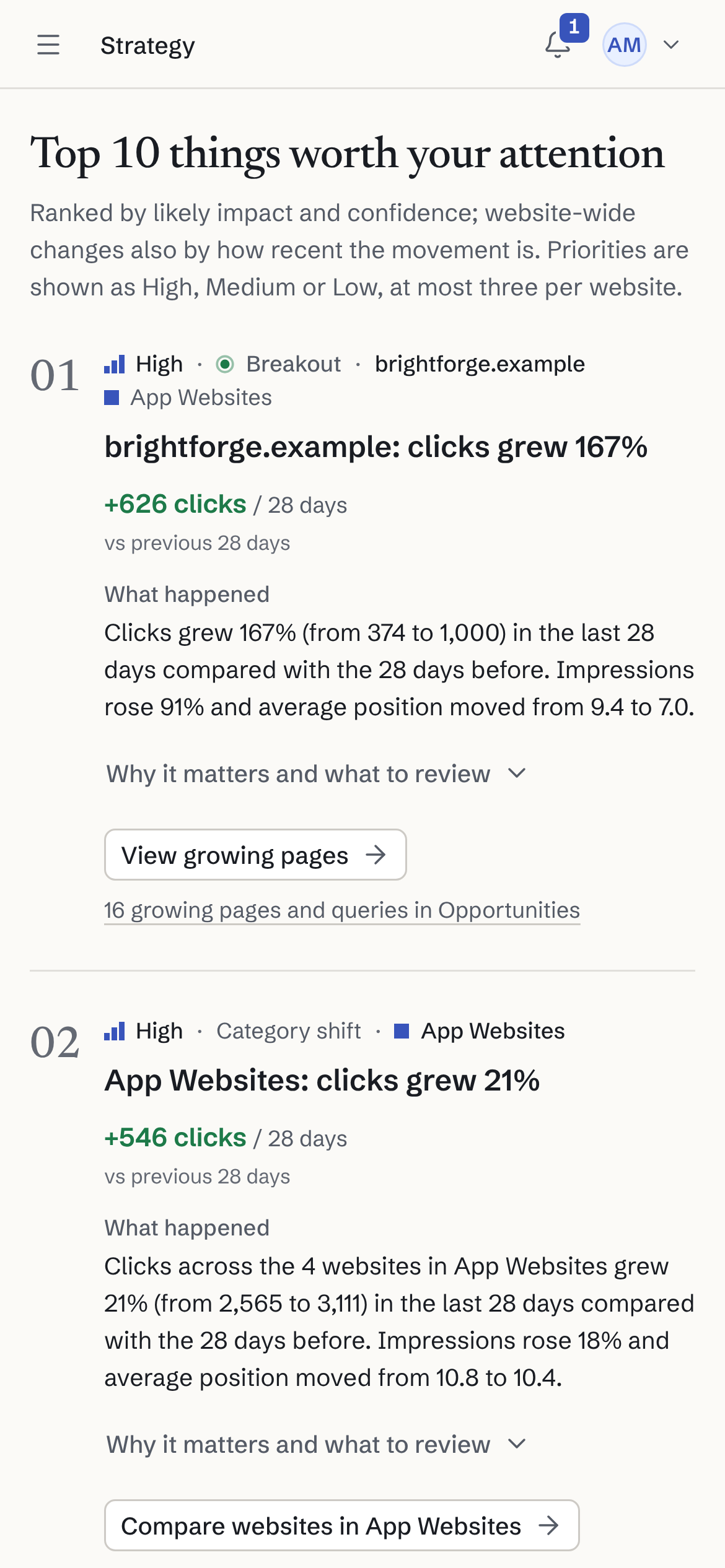
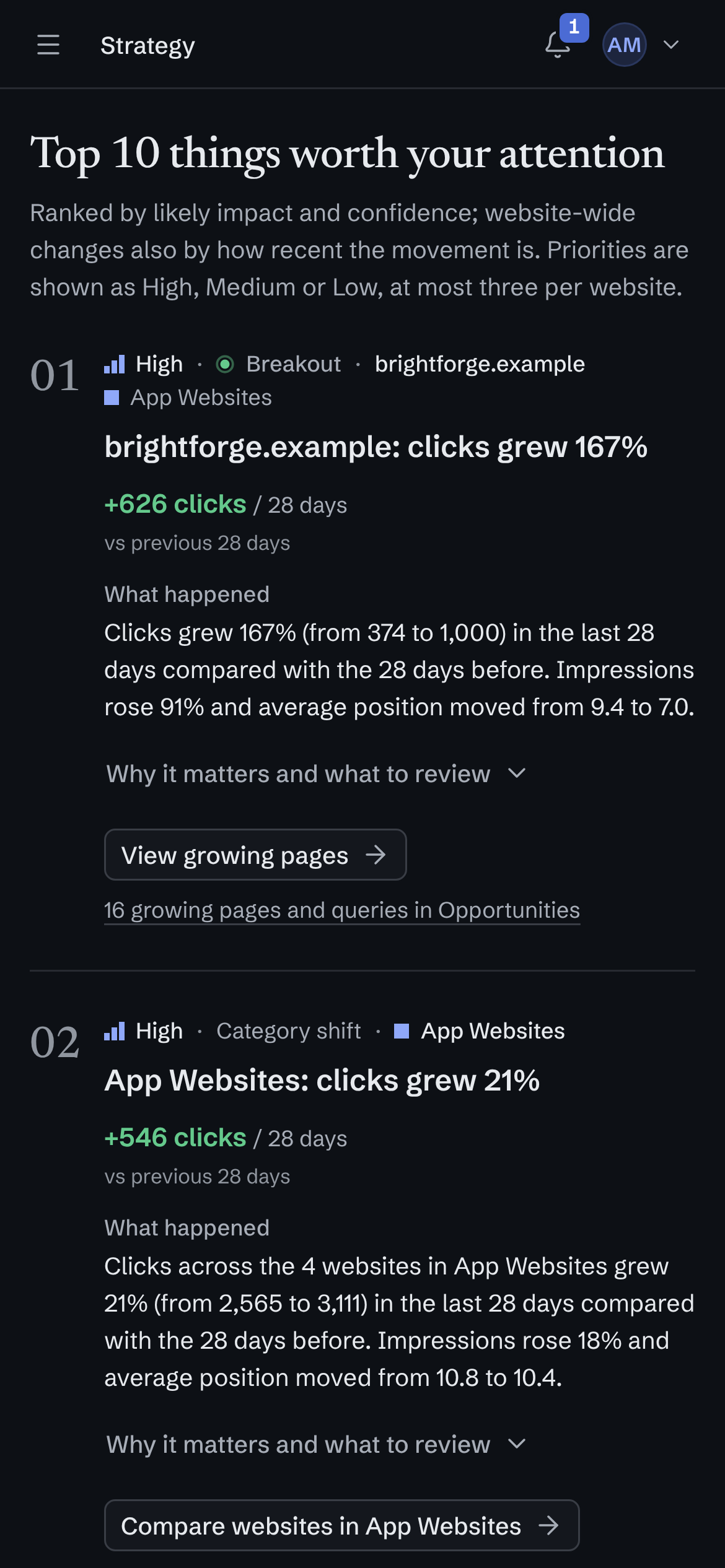
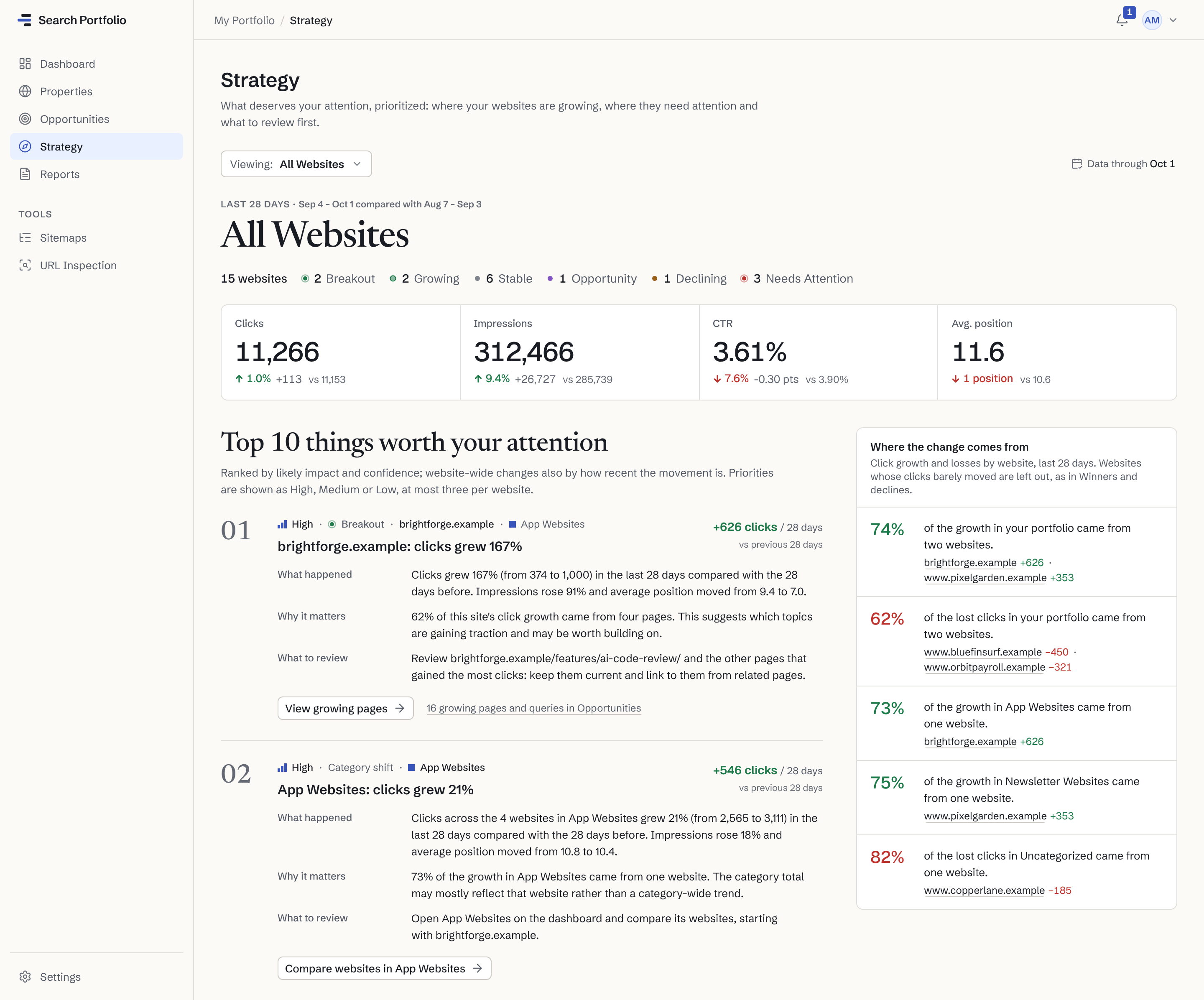
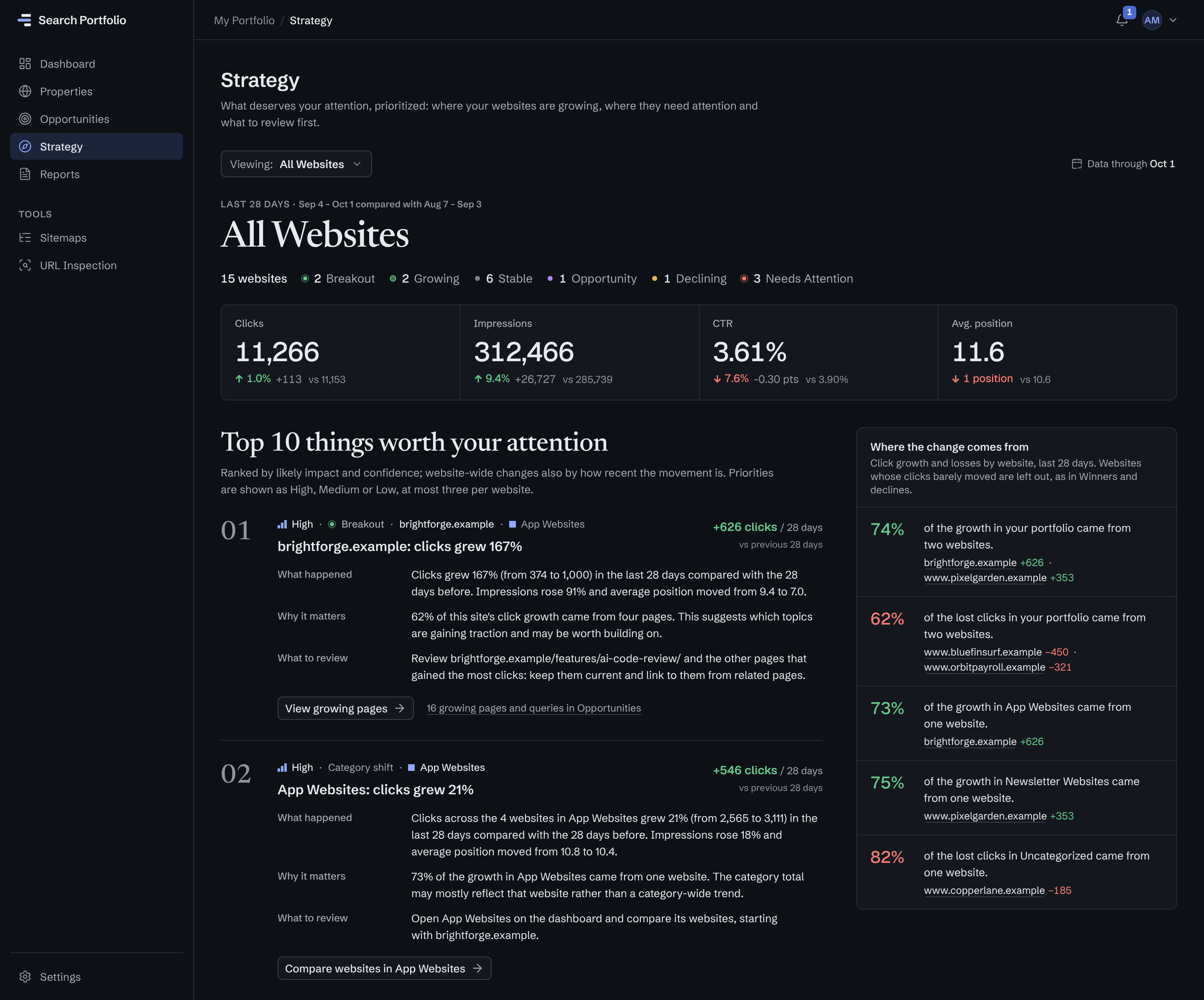
Ranked by impact and confidence
First: brightforge.example, a breakout worth 626 more clicks than the 28 days before.
In plain words
What happened, why it matters and what to review, with careful wording: a pattern “suggests”, it is never presented as a proven cause.
Where the change comes from
74% of the portfolio’s growth came from two websites; 62% of its losses from two others.
Strategy is included from Solo ($9 a month).
The problem
Client sites are checked one at a time, in many Google accounts.
One property at a time
Search Console shows one client site at a time, so a full check means opening every property, every week.
Spread over many Google accounts
Some client properties are shared with your agency’s Google account, others with a colleague’s or an older one. No single login sees them all.
Problems surface late
A slow decline on one client site can go unnoticed until the monthly report, or until the client asks about it.
What it surfaces
An SEO dashboard for every client, ranked by what needs you.
Fixed rules run on each client’s own Search Console data. Every finding says what happened, why it may matter and what to review, with the numbers behind it and a confidence level. How it decides
Free shows your top 5 opportunities; Solo ($9 a month) and up show every one. Weekly reports from Solo ($9 a month).
- Client sites that are slipping
- Every site gets a status. Declining means clicks down 20%+ with 20+ lost; Needs Attention, down 30%+ with 50+ lost, or a collapse in impressions.
- Ranking drops
- Queries whose average position slipped 3+ places after real traffic, ranked by the clicks they appear to cost, with the page that ranks for them. How rankings are tracked
- High-impact opportunities
- Pages with queries in striking distance (positions 4–15), click-through gaps and breakouts, ranked by priority across every client at once.
- A weekly summary for you
- The portfolio and every category against last week, the biggest winners and what needs attention, by email on the day you choose. About the weekly SEO report
Every Google account
Your agency account, the client’s, the old one: one portfolio.
Connect each Google account your websites live in. Their properties land in one portfolio, and a property two accounts can see counts once.
Read-only access
Each connection reads Search Console data, plus the account’s email address to label it, and nothing else. It is separate from how you sign in.
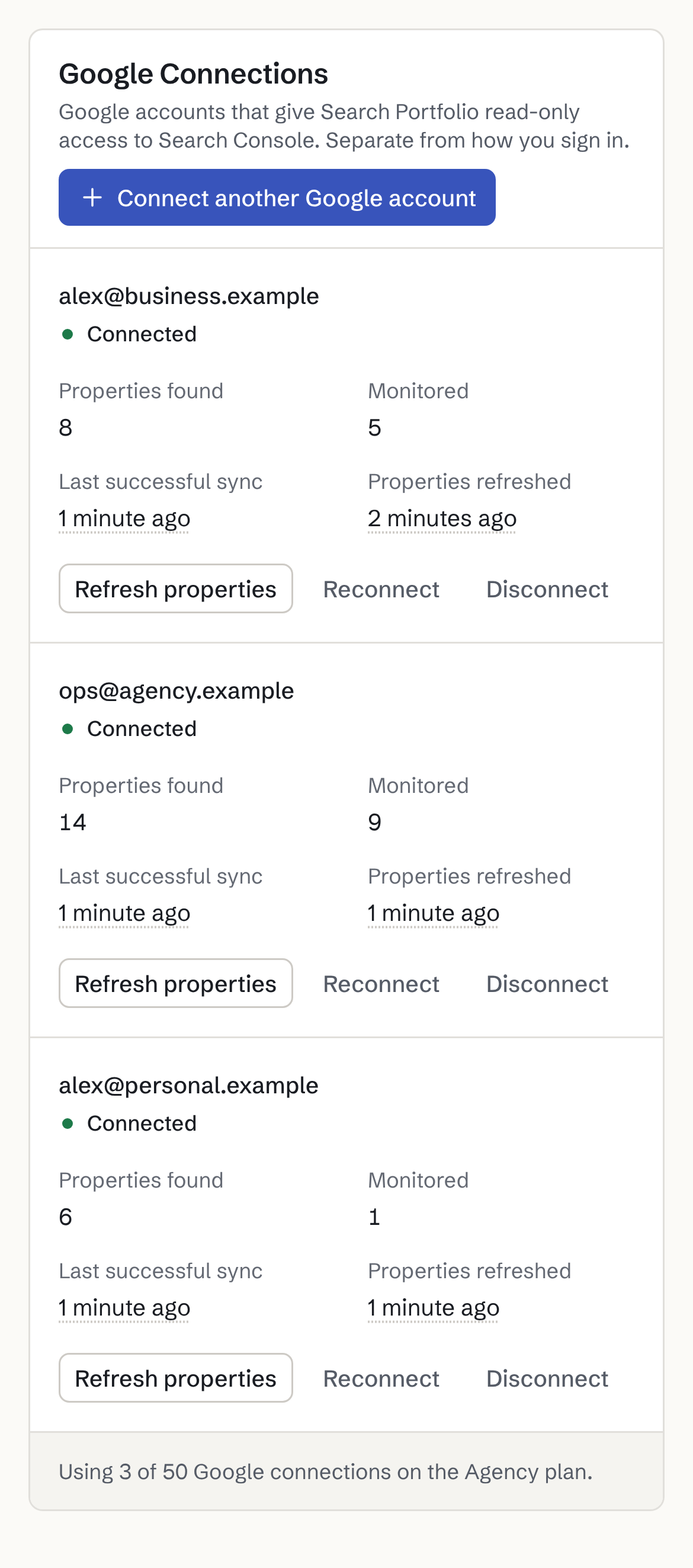
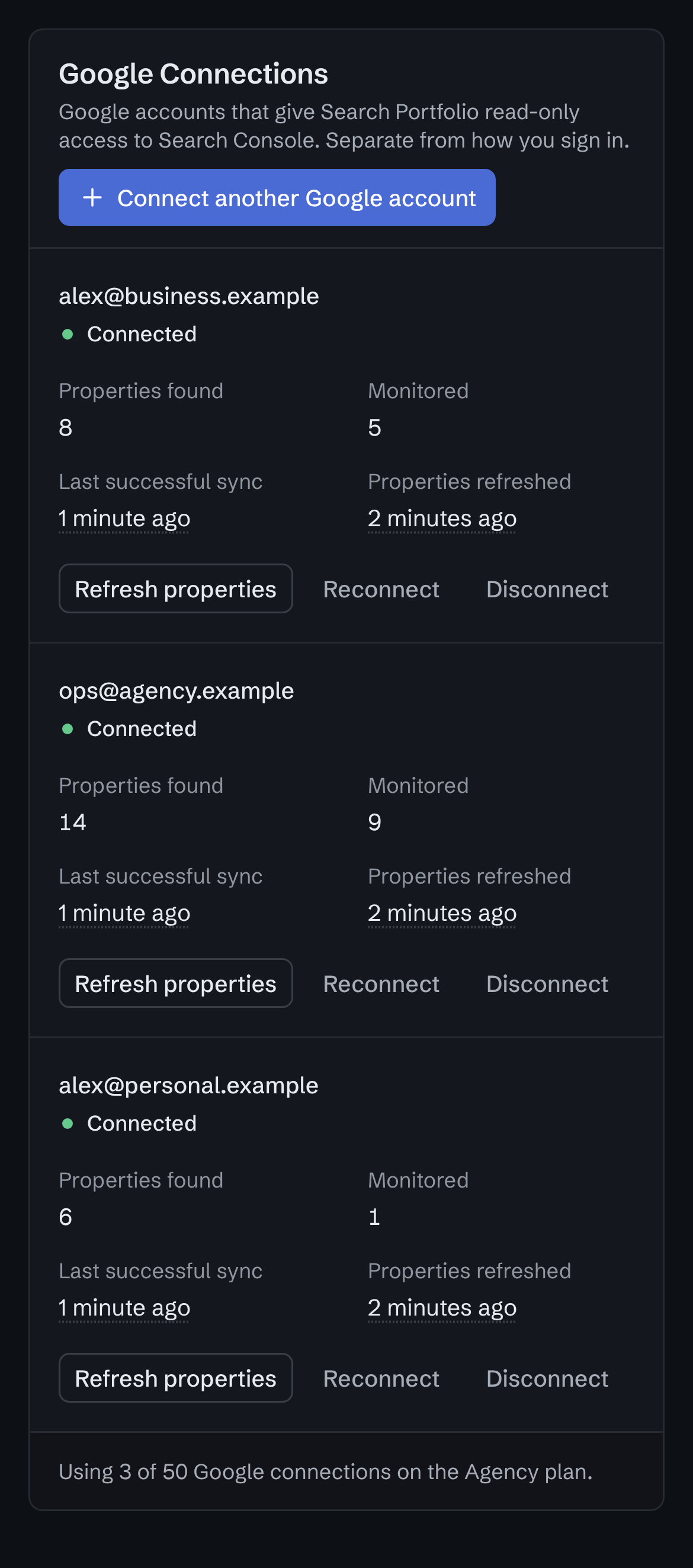
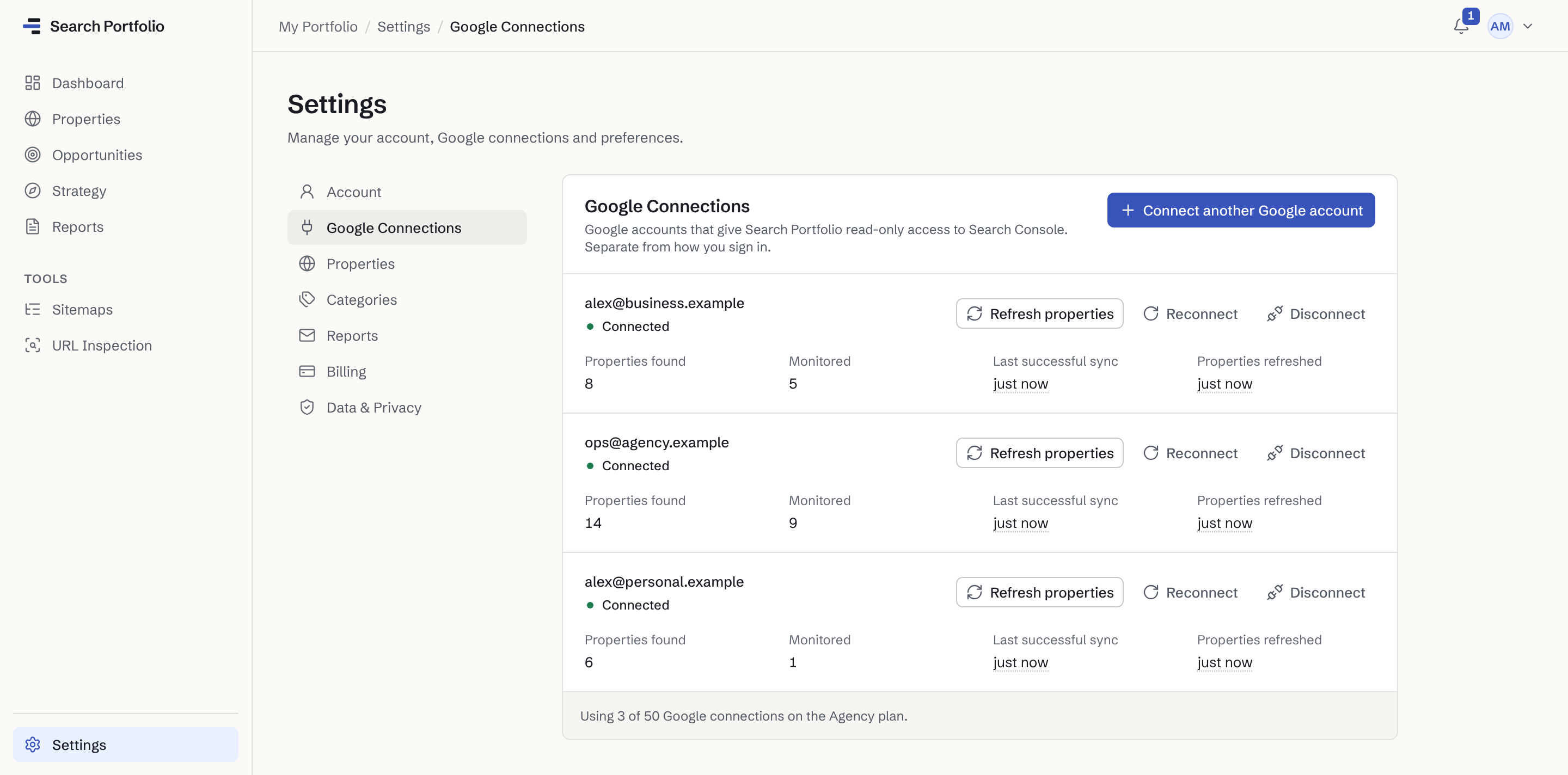
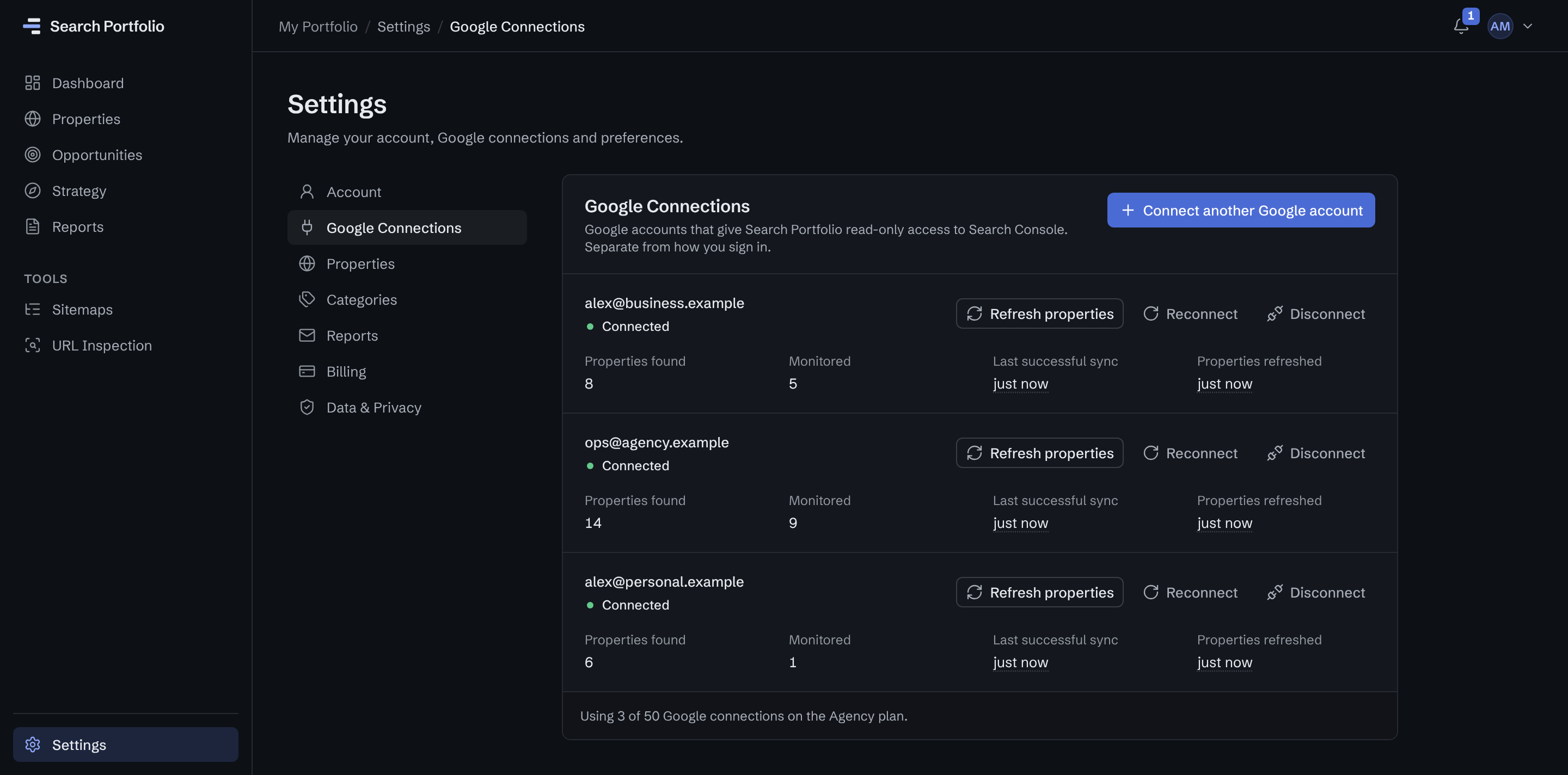
Three Google accounts in one place
A business account, an agency account and a personal one, with 8, 14 and 6 properties. Three are visible to two accounts and count once.
You choose what to monitor
15 of those properties are monitored. The rest stay listed, so you can swap them in later.
Free connects 1 Google account; more from Solo ($9 a month).
Categories
Group clients the way you run them.
Put each site in a category of your own, up to 200 categories with names up to 60 characters, and switch the whole dashboard to one of them: every total, status and trend is recalculated for just those sites. Included on every plan, Free too.
Example categories
- Retainer ClientsThe sites you are paid to watch every month.
- Project ClientsSites from a finished project you still keep an eye on.
- Our Own SitesYour agency’s site and anything else you run yourself.
Plans for agencies
Priced by properties, not by keywords or seats.
From Solo, every plan includes Strategy, every opportunity and the weekly report. A property two connected accounts can both see counts once. See pricing
| Plan | Properties | Google accounts | Per month |
|---|---|---|---|
| Solo5 Google accounts | 10 | 5 | $9 |
| Portfolio15 Google accounts | 50 | 15 | $19 |
| Agency50 Google accounts | 200 | 50 | $49 |
What it isn’t
Not a client reporting tool. Keep yours.
Search Portfolio is the internal view you use to decide where to investigate first. For SEO client reporting, keep the tool your clients already know; tables export as CSV if you want the numbers there.
- No client portals or client logins
- No white-label or client-branded reports
- No team seats: one login per workspace
- No competitor tracking: only properties your accounts can access
Not an agency? See how founders, publishers and niche-site owners use Search Portfolio.
FAQ
Questions agencies ask.
Plans and billing are on the pricing page. Something else? Contact support.
What do clients need to give us?
Nothing new. Connect the Google accounts that already have access to your clients’ Search Console properties; Search Portfolio asks Google for read-only access, so it can’t change anything in their Search Console, and each client keeps control of who has access. See how access works.
Is it an agency rank tracker?
It tracks rankings from Search Console: each query’s average position, for every client site you monitor, with the drops and the queries closest to a win picked out for you. It doesn’t run its own searches, so there are no competitor positions or SERP features, and no keyword list to maintain. See how its rank tracking compares.
Can we send reports to clients?
No. There are no client portals, white-label reports or client recipients: the weekly report goes to the workspace owner only. Use Search Portfolio to decide which client to look at first, and keep your client reporting tool for clients. Tables can be exported as CSV.
Can the whole team use it?
A workspace has one login; there are no team seats or invitations. Each Google account your team uses can be connected to that workspace, up to 50 on Agency.
Which plan fits an agency?
It depends on how many client properties you monitor and how many Google accounts they live in. Solo covers 10 properties from 5 Google accounts, Portfolio 50 from 15, and Agency 200 from 50. Every property your accounts can access stays listed, so you choose which ones to monitor.
Free covers 3 properties from 1 Google account, with no time limit. See every plan compared.
Know which client needs you this week.
Connect the Google accounts your client sites live in, with read-only access, and see every client in one portfolio.
- Free for up to 3 sites
- Read-only Google access
- No credit card
- Evidence-backed analysis
- Disconnect anytime